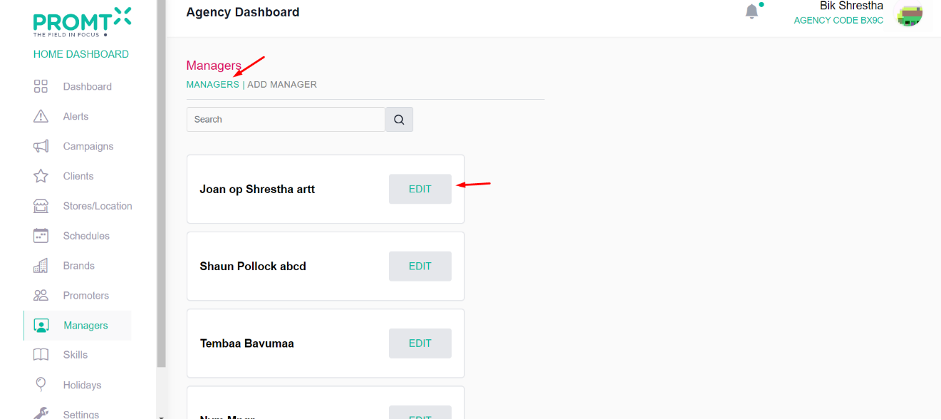
To add a manager, users should navigate to the Agency dashboard.
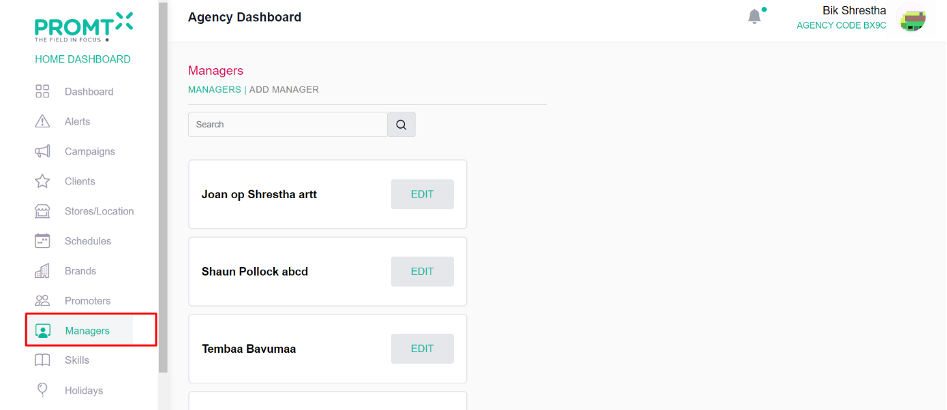
Step 1:Click on the Managers from the side-navbar.
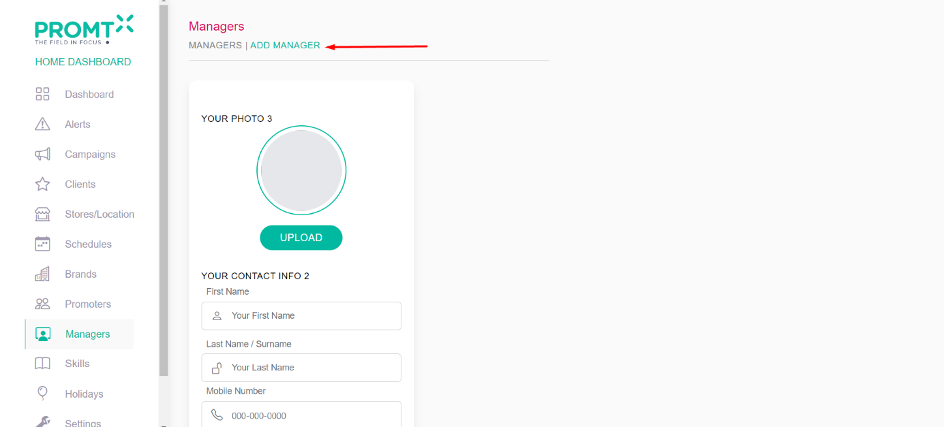
Step 2: Click on Add Manager.
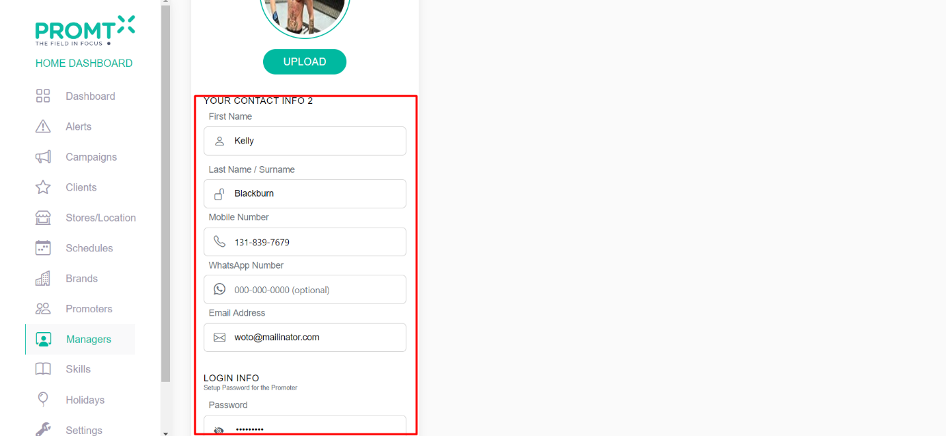
Step 3: Enter valid data in all the required field.
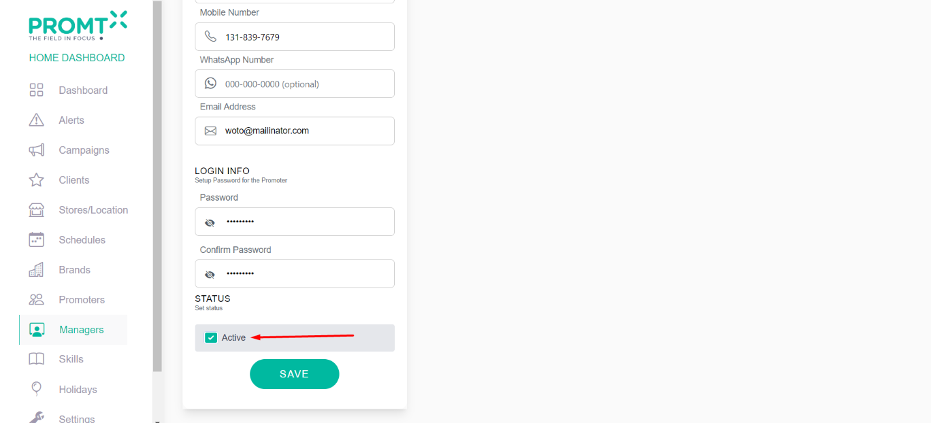
Step 4: Click on active status.
Note: Only active managers are shown in the manager dropdown on the “Add Store” page.
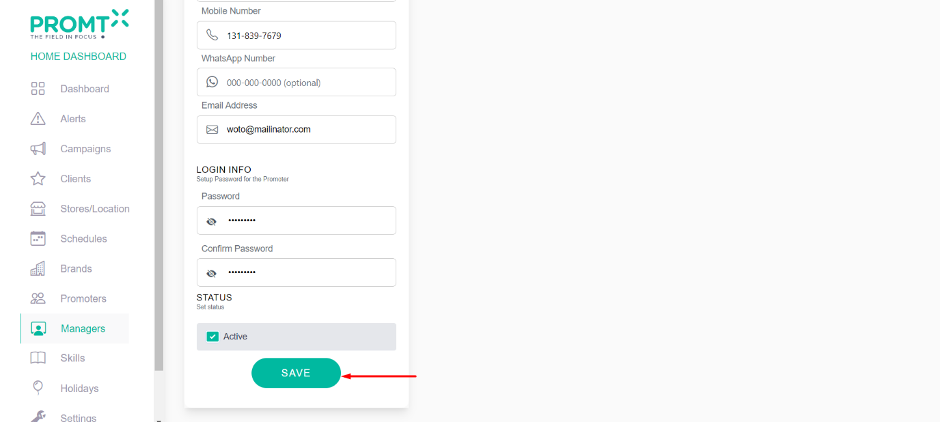
Step 5: Click on save.
The manager page displays a list of managers, and users can edit a manager by clicking the “Edit” button on the manager page.