
Users can access the total sales and targets of a specific store from the report page. To view the report, users need to navigate to the campaign dashboard.
Step 1: Click on Report
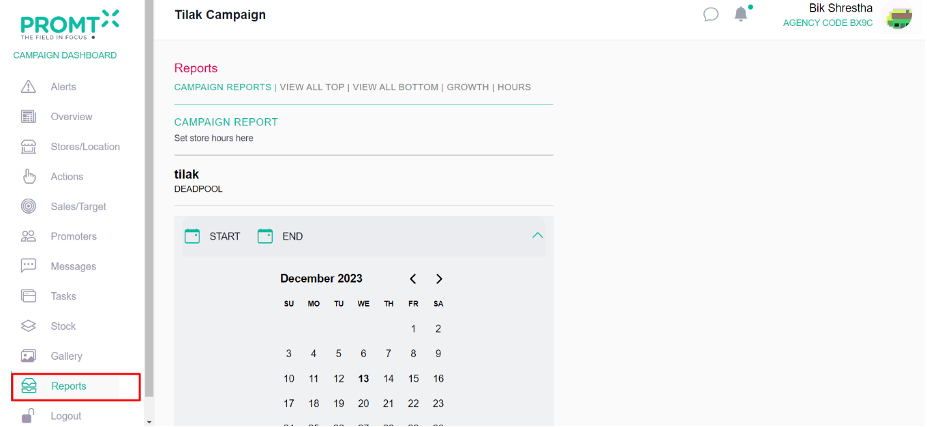
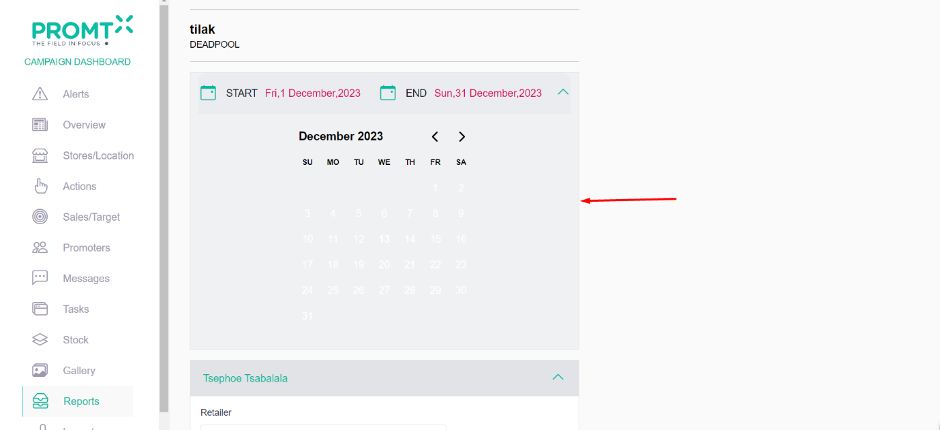
Step 2: Select the start and end date from the calendar
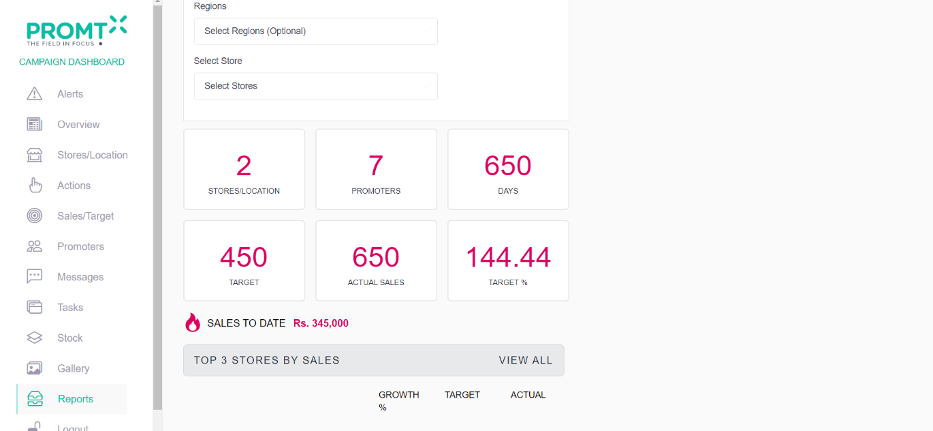
Step 3: Observe the total sales and targets
Step 4: Select the store from the drop down
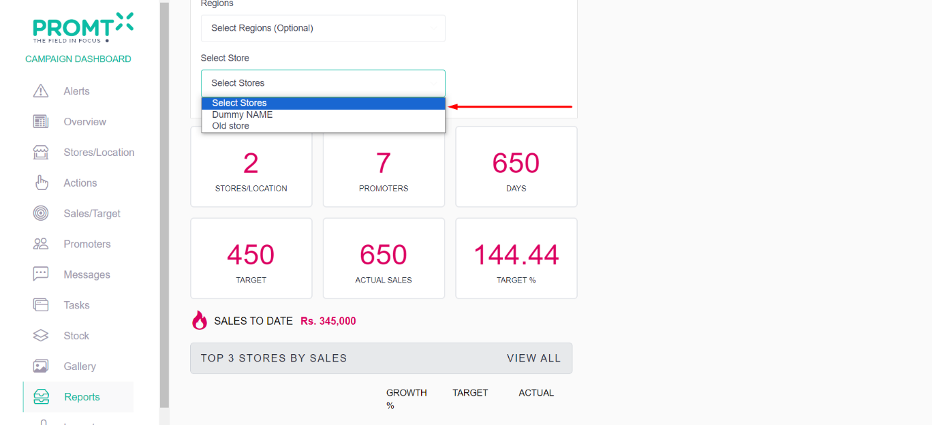
Step 5: Observe the sales target and actual sale of the selected store.
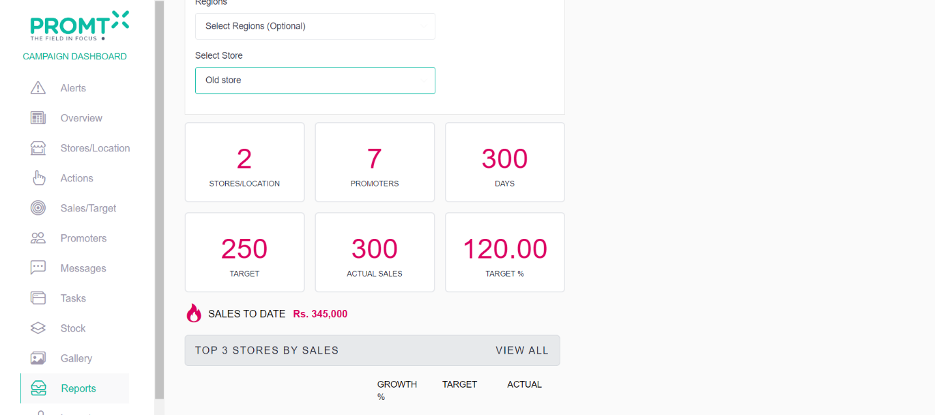
Note: Users can view all top and bottom stores by sales on the Report page by clicking the “VIEW ALL TOP,” “VIEW ALL BOTTOM,” or “GROWTH” buttons.